Adaptive Content: When Your Content Responds to How Users Actually Learn
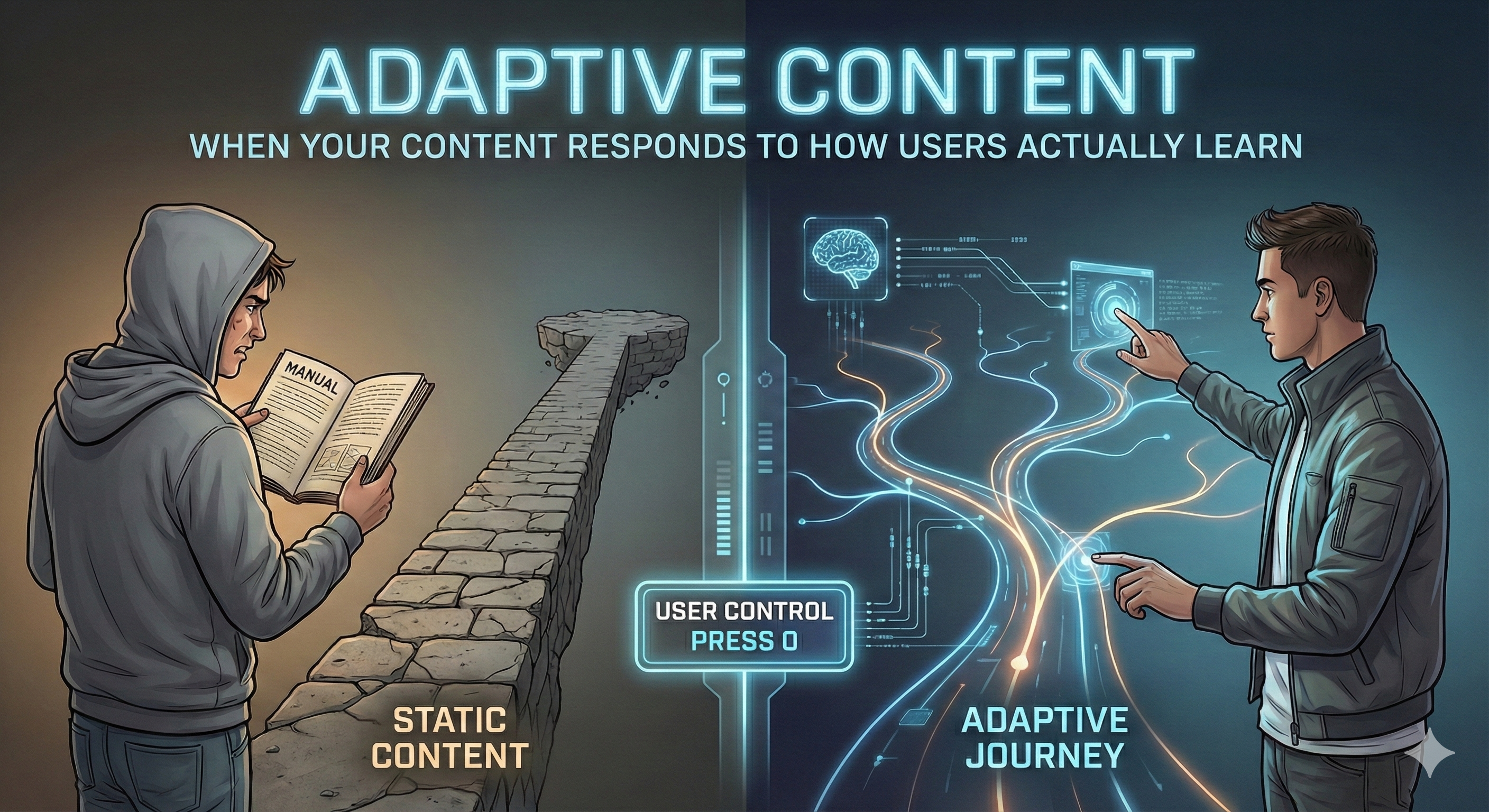 Image generated using Gemini’s Nano Banana Pro
The Assumption We’ve Always Made
Write clearly. Organize logically. Structure it well.
This advice assumes something that used to be true: that content should be the same for everyone, because treating all readers equally is fair.
That assumption is breaking down.
Not because users have changed. Not because technical content has become less important. But because we now have the capability to recognize when someone is lost, and the choice of whether to help.
We Are All Lost Sometimes
Here’s what we know from analytics: users don’t read content linearly. They search. They jump in mid-journey. They backtrack when confused. They abandon when overwhelmed.
A user lands on “Configure Quantum-Safe Cryptography” because that’s what they searched for. They skim the first paragraph. They scroll. They click back. They search again, this time for “Z encryption basics.” They’re telling you something.
For decades, the best we could do was write better. Organize more clearly. Add more examples. Hope the right user found the right content at the right time.
We couldn’t respond to struggle in real-time. We couldn’t adapt the path based on where someone actually was, as opposed to where the table of contents said they should be.
Now we can.
The question is: should we?
The New Interpreter
Something has shifted in technical content: the modular content library.
At IBM Redbooks, we’re moving from 138-page PDFs (same for everyone, read front-to-back) to modular, topic-based content. Each topic answers one question completely. Topics get assembled into curated experiences..
Same content library. Different paths for different users.
This makes something possible that wasn’t before: adaptive content. Content that responds not to who you said you are, but to what you’re actually doing.
Here’s what that means in practice:
You land on an advanced topic but keep scrolling back to reference basic concepts? The system could surface prerequisites.
You’ve completed five beginner topics in sequence? The system could suggest you’re ready for intermediate content.
You’re repeatedly searching for error codes? The system could offer a troubleshooting path instead of conceptual explanations.
This is the critical insight: AI doesn’t create new information about your users. It makes existing behavior legible. Interpretable. Actionable.
Your clicks, your search terms, your navigation patterns, your time-on-page. It’s all data. And increasingly, AI tools can read it, summarize it, and use it to decide what you see next.
When content adapts to you, someone has to decide: adapt toward what? User success? Faster completion? Engagement metrics? Corporate goals?
Who authors the story of your learning journey?
The Entity in the Reading
Here’s where it gets more complex.
Traditional content is passive. It sits there. You navigate it. You decide what to read, what to skip, what order makes sense for your task.
Adaptive content is active. It watches. It infers. It suggests. It optimizes.
This isn’t inherently bad. A human instructor does the same thing: watches for confusion, adjusts explanation, offers harder material when you’re ready.
But a human instructor:
- Has limited memory. They don’t retain every misstep you made three months ago.
- Shares your interests. They want you to learn, not just to complete the course.
- Is accountable. You can push back. Ask why. Request a different approach.
An adaptive system:
- Never forgets. Every interaction is data that persists indefinitely.
- Serves institutional goals. Optimized for metrics chosen by the organization, not necessarily your learning outcomes.
- Operates invisibly. You may not know you’re on a curated path versus “the” canonical content.
You’re not just reading content. You’re being interpreted by something that accumulates patterns while you sleep.
The Anxiety Is Misplaced
Here’s the thing about adaptive content anxiety: people worry about the wrong problem.
The fear is: “The system will hide content from me.”
The reality is: “The system will decide what my journey should look like.”
Those are very different concerns. The first assumes censorship. The second assumes something more subtle: a shift in who controls the narrative of competence.
If you let the system guide you without question, you’re trusting something that:
- Compresses your learning patterns into metrics
- Infers your knowledge level from behavior that might not reflect it (slow reading ≠ confusion; fast clicking ≠ comprehension)
- Optimizes for completion, not understanding
- Has no accountability when it misjudges you
And here’s the asymmetry that should concern you: you experience the consequences of being misunderstood (wrong content, wasted time, failed implementations), but the system experiences none.
Reclaiming the Journey
So what do we do?
As the project leader responsible for IBM Redbooks modernization, I’m navigating these questions in real-time. Here’s the framework we’re building:
1. Always Show the Map
The principle: Users should always know where they are and why.
How we’re doing it:
- Breadcrumbs that show: “You’re on the Beginner Z Security Path (Step 2 of 7)”
- One-click “Why am I seeing this?” explanation
- Always-visible path vs. standalone topic indicators
Why it matters: You can’t correct a journey you don’t know you’re on.
2. Ask Little, Assume Less
The principle: Minimal profiling, maximum control.
How we’re doing it:
- Entry point: Just select your product (Z/Power/Storage)
- Then: Browse freely or choose “Show me a suggested starting point”
- After engagement: “How’s the level? [Too basic] [Just right] [Too advanced]”
- Progressive trust: earn the right to personalize more
Why it matters: Quality inference requires either heavy upfront data (friction) or behavioral tracking (privacy cost). Better to ask directly and let users correct.
3. Create a User Bill of Rights
The principle: Codify control before shipping adaptive features.
Our draft rights:
- Right to know what path you’re on (always visible)
- Right to understand why you’re seeing this (explainable logic)
- Right to see all content (browse-all mode always available)
- Right to change your path (zero-friction switching)
- Right to correction (“This assumed I knew X, but I don’t”)
- Right to no profile (neutral mode with no degraded experience)
- Right to privacy (clear data retention, session vs. persistent options)
- Right to portability (download/export your curated path)
Why it matters: Documentation errors are high-stakes. A misconfigured system can cause production failures. Users need override capability.
4. Always Offer “Press 0”
The principle: Adaptive should enhance traditional navigation, not replace it.
How we’re doing it:
Header navigation: [Experiences] [Topics] [Search]
- Experiences = Curated paths (guided)
- Topics = Full catalog, neutral ordering
- Search = Unfiltered unless user explicitly applies filters
Why it matters: When the IVR menu fails, “press 0 for operator” prevents rage-quit. When the adaptive path fails, “exit to full topic index” does the same.
The Signals We Use (and Don’t)
Not all data is fair game. Here’s our working taxonomy for what adaptive content can ethically use:
✅ Use Without Hesitation
- Explicitly selected product/version
- Declared role or experience level
- Topics viewed/completed in current session
- Explicit feedback (“This was helpful” / “This was not”)
⚠️ Use With Caution + User Control
- Navigation patterns (backtracking = potential knowledge gap, but also might be reference checking)
- Search queries (reveals intent, but might be sensitive troubleshooting)
- Cross-session history (helpful for continuity, concerning for privacy)
🚨 Use Only With Clear Value + Easy Override
- Inferred knowledge level (dangerous if wrong; must be correctable immediately)
- Assumed task urgency based on session behavior (mobile + rapid clicking ≠ crisis mode)
🛑 Never Use
- Job title from corporate directory (role ≠ current learning need)
- Comparison to peer behavior (“You’re slower than average”)
- Any inference about emotional state or competence
- Signals that create anxiety or performance pressure
Our test: Would this inference be appropriate if we were teaching in person? If a human instructor wouldn’t assume it, our system shouldn’t either.
The Ethics Line: Guidance vs. Gatekeeping
There’s a bright line between helping users navigate and deciding what they’re “ready” for.
Patterns That Help Users
✅ Surfacing prerequisites when someone jumps into advanced content
Example: User lands on “Configure Quantum-Safe Crypto.” System shows: “New to Z encryption? Start with [Understanding Z Encryption Basics]”
✅ Suggesting next logical step in multi-part procedures
Example: User completes “Set Up LPAR.” System offers: “Next: Configure Network Settings”
✅ Highlighting beginner-friendly entry points
Example: Landing page shows: “New to Z? Start here: [Beginner Path]”
✅ Offering level-appropriate examples
Example: Same concept topic includes both simple demo and production-scale example; system shows the one matching user’s declared level
Patterns That Harm Users
❌ Hiding advanced content from users tagged “beginner”
Counter-example: Search results omit advanced topics; user doesn’t know they exist
❌ Assuming task urgency based on time-of-day or device
Counter-example: Mobile user at 2am gets “quick reference only” with no option to see full content
❌ Optimizing for completion metrics over comprehension
Counter-example: System pushes users through faster path because “time-to-completion” is a KPI, even if they’re skipping critical concepts
❌ Creating “levels” users must unlock
Counter-example: Can’t access intermediate content until you’ve completed all beginner topics
The test: If you can’t explain the adaptation to a journalist or regulator without sounding defensive, don’t ship it.
The Stakes
Technical content has always needed to be clear. That’s not changing.
What’s changing is who decides what clarity looks like for each user.
For most of history, content authors made one set of choices for all readers. Then content management systems gave us the ability to version and branch. Then search let users choose their own paths.
Now AI makes something else possible: content that adapts in real-time, at scale, based on inferred understanding of user state.
This can be genuinely helpful. Or it can be quietly controlling.
The difference is whether users:
- Know they’re being adapted to
- Understand why
- Can override easily
- Have access to everything, not just what’s curated for them
If you build adaptive content without these safeguards, you’re not helping users learn. You’re deciding what they’re allowed to know, when they’re “ready” for it, and what their journey should look like.
That’s not technical writing. That’s gatekeeping.
Don’t Let the System Speak for the User
The advantage humans have over AI hasn’t changed: we create meaning. We understand context. We know what we’re actually trying to accomplish and why.
But that advantage only works if the system is designed to amplify it, not override it.
At IBM Redbooks, we’re building adaptive content with a clear principle: the system can suggest, but the user decides.
We’ll use AI to recognize struggle and offer help. But we won’t hide content. We won’t assume competence. We won’t optimize for metrics that don’t align with user success.
We’ll show the breadcrumbs. We’ll explain the logic. We’ll always offer “press 0.”
Because adaptive content should answer the question: “Where should I start?”
Not: “What are you allowed to see?”
If you’re building adaptive content systems, ask yourself:
- Can users see what path they’re on?
- Can they understand why?
- Can they leave anytime?
- Can they access everything, not just what you curated?
If the answer to any of those is no, you’re not building adaptive UX.
You’re building a more sophisticated gate.
A note on process: I developed this post in conversation with Claude, Anthropic’s AI assistant. The ideas are mine, but Claude helped me connect them, pressure-test the argument, and draft the prose. There’s something fitting about using an AI tool to write about the importance of not letting AI tools author your narrative. I stayed in the driver’s seat. This is me, speaking for my work.